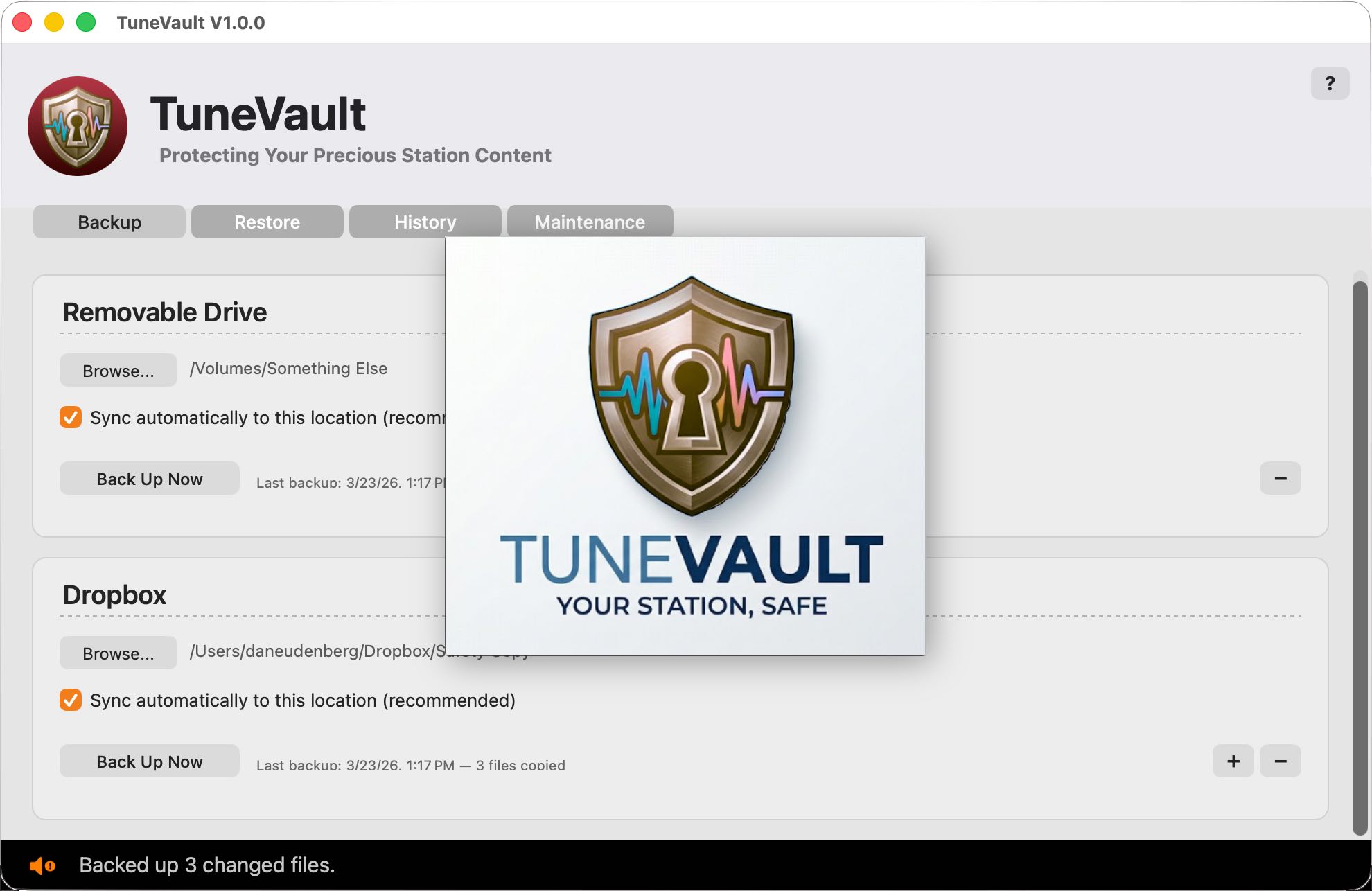
Built for broadcast. Designed for peace of mind.
Mac-Style File Monitoring
Uses the Mac's unique built-in features to monitor your Station folder's contents. It knows of changes instantly, with zero impact on the processor that's running your radio station. It's MacSmart!
Differential Backups
Only copies files that have actually changed. Your first backup may take a few minutes; after that, updates typically finish in a few heartbeats.
Up to Three Destinations
Back up simultaneously to external drives, NAS storage, and cloud-synced folders simultaneously. Each destination runs independently with its own sync settings and restore capabilities.
Instant Type-Ahead Search
You'll love this: Start typing a filename and results appear as you type. Search for files or folders. Select individual items or everything at once. Restore with one click.
Full Station Restore
When the worst happens, TuneVault guides you through a complete station restore with disk space checks, rename-first safety, and multiple confirmation cautionary steps.
Interrupted Backup Recovery
Drive disconnected mid-backup? App crashed? No problem. TuneVault checks both timestamps and file sizes, so it knows exactly where to pick things back up.
Menu Bar Agent
Close the window and TuneVault keeps working. A small shield icon in your menu bar shows backup status at a glance — animated arrows when backing up, maroon when attention is needed.
Complete Backup History
Every backup is logged with timestamps, file counts, and per-file detail. Click Details on any entry to see exactly what copied, was updated, or failed.
Email Alerts via AutoCast
Destination drive disconnected? Running low on space? TuneVault alerts emails you to let you know. Only one alert is sent per issue, so your email won't get flooded with reports. alert per problem. Automatically cleared when resolved.
Vault Maintenance
Files you've deleted from your main Station folder are still safely available in your TuneVault. Since they can accumulate, we give you an easy way to eliminate old deleted files you're sure you no longer need. The Maintenance tab shows you exactly what's there, how big it is, and lets you reclaim space when you're ready.
Safe While On Air
TuneVault's automatic process is completely safe. Backups only read from your station — they never modify a single file in your live Station folder.
AutoCast Integration
In addition to constant file by file backups, AutoCast can trigger scheduled "differential" backups daily or even hourly. AutoCast also checks, when launched to make certain TuneVault is running.